













React Native enables the development of truly native mobile applications using JavaScript and React. The framework supports creating rich UIs from declarative components, emphasizing development speed and consistent results across platforms.
While React Native provides basic components, every serious application demands more. Styled buttons, complex forms, advanced animations, and custom graphics are essential, yet building these elements from scratch consumes excessive time and resources.
React Native UI libraries exist precisely to address this challenge. Far from being simple collections of buttons, these are specialized toolkits designed to solve specific problems efficiently.
The best React Native libraries fall into these categories.
- Some libraries offer general components for fast styling and theming across an entire application's look and feel.
- Others are design systems focused on aggressive performance and maximizing code sharing between mobile and web platforms.
- Libraries that offer specialized components handle complex, single tasks like managing forms, rendering interactive maps, or providing chat interfaces.
By selecting the right library for a specific need, whether performance, complex logic, or beautiful motion, developers can leverage the ecosystem's best offerings to build high-quality apps faster than ever.
We’ll cover the most popular React Native UI libraries, grouped by the functional role each plays in modern app development workflows.
React Native Icons
While most UI components change yearly, the need for scalable, high-quality vector icons remains constant. This library is the universal, indispensable tool that works with nearly every component kit in the ecosystem.
React Native Vector Icons

React Native Vector Icons is the de-facto standard for icon sets in the React Native ecosystem. It bundles thousands of popular, open-source icons from Material Design to Font Awesome into a single, easy-to-use library. This approach allows developers to use icon fonts, which are scalable without resolution loss, styleable with CSS-like properties, and highly performant.
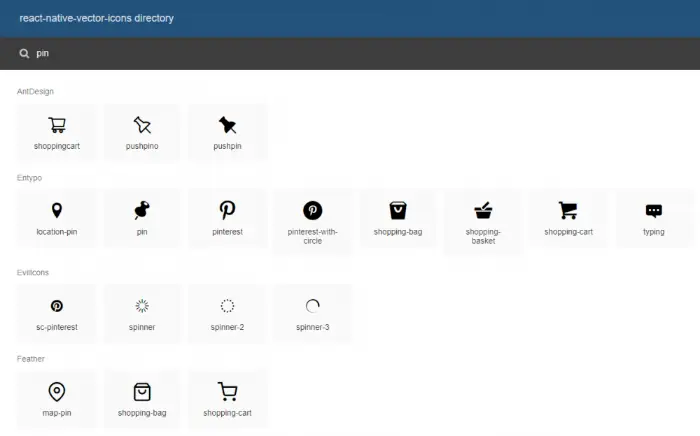
Benefits of React Native Vector Icons
- Massive Library: Provides over 30,000 icons from popular sets like AntDesign, Feather, FontAwesome, and MaterialCommunityIcons.
- Faster Performance: Uses native font rendering, which is significantly faster and uses less memory than displaying a separate image file for every icon.
- Ease of Styling: Icons can be styled inline or with a stylesheet, supporting dynamic size, color, and accessibility settings.
- Universal Compatibility: Works seamlessly with Expo and bare React Native CLI projects across iOS, Android, and Web.
Bundled Icon Sets
The library includes popular icon sets such as:
- AntDesign, Entypo, EvilIcons
- Feather, FontAwesome 6, Foundation
- Ionicons, MaterialIcons, MaterialCommunityIcons
- Octicons, Zocial, SimpleLineIcons
How to Install React Native Vector Icons
Installation is straightforward, though some platform-specific steps are required for native linking.
1. Install the Package
2. Android Setup
Add the following line to the end of android/app/build.gradle to automatically bundle the fonts:
3. iOS Setup
Run pod install in your ios directory to link the native dependencies.
React Native General Components
Building your own React Native components for your project from scratch can be extremely time-consuming and pretty redundant. To save you the hassle, it is recommended to use libraries that provide a full suite of pre-built components such as buttons, cards, and inputs, for rapid application development.
gluestack UI
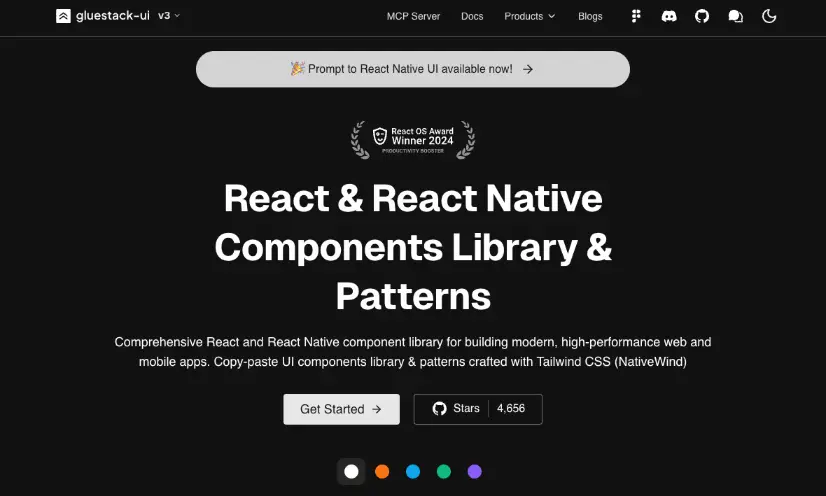
gluestack UI is the modern, universal UI library focused on performance and accessibility. It is the direct evolution of the popular NativeBase library. Built on a utility-first styling system, it is themeable and highly customizable without sacrificing the smooth, native feel of an application. The library is specifically designed to be compatible with the future of React Native, including the New Architecture (Fabric).
Benefits of gluestack UI
- Universal: Works on React Native (iOS, Android), Web, and Next.js from a single codebase.
- Performance-Focused: Separates styling from logic, leading to better runtime performance and a smaller bundle size.
- Accessible: Components adhere to modern accessibility standards out-of-the-box.
- Simple Customization: Offers deep theming and state-based styling, allowing you to build a true, scalable design system.
gluestack UI Components
The available components cover all core needs, including:
- Layouts (View, Box, Stack)
- Form Controls (Input, Button, Checkbox, Radio, Select)
- Data Display (Avatar, Badge, Card, Progress)
- Feedback (Alert, Spinner, Toast)
How to Install gluestack UI
To install gluestack, you can get started using their CLI tool:
1. Install the themed package and its dependency:
2. Wrap your application:
Wrap your root component with the GluestackUIProvider.
React Native Paper
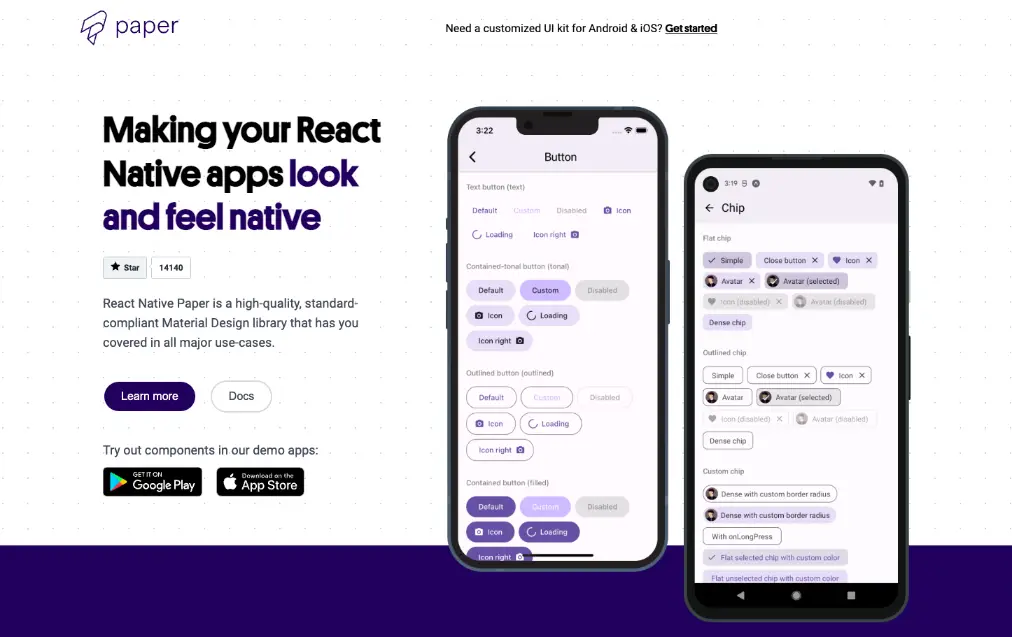
React Native Paper is the leading component library for developers who want their apps to adhere to Google’s Material Design principles. It provides highly polished, production-ready components that follow the latest specifications, ensuring a clean, modern, and consistent UI across all platforms.
Benefits of React Native Paper
- Material Design 3 (M3): Follows the latest M3 standards, including dynamic color and updated typography.
- Reliable Maintenance: Actively maintained by Callstack, ensuring quick updates and support for new RN features.
- Theming & Dark Mode: Offers comprehensive theming capabilities, making it easy to implement a sophisticated dark mode or custom brand colors.
- Bundle Size Optimization: Provides a Babel plugin to reduce bundle size by only importing the components you actively use.
React Native Paper Components
The component set is robust and includes Material-specific elements:
- Appbar, BottomNavigation, Dialog
- Button, Card, Checkbox, Radio
- TextInput (with built-in label animation)
- Portal and Snackbar for modal and temporary feedback.
How to Install React Native Paper
1. Install the Package:
2. Install React Native Vector Icons:
React Native Paper requires the vector icons library for its internal use.
3. Setup Provider:
Wrap your root component in the PaperProvider to apply the theme and enable components like Modal and Snackbar.
React Native Elements
React Native Elements aims to be an all-in-one UI kit that provides a consistent look and feel across iOS, Android, and Web using a declarative and easy-to-use API. It remains a popular choice due to its simple setup and wide component variety. However, for new projects, modern alternatives like gluestack UI or React Native Paper are generally recommended due to more active maintenance and better support for the latest React Native architecture.
Benefits of React Native Elements
- Simple API: Features a straightforward and highly customizable API that is easy for beginners to pick up quickly.
- Community Components: It takes the hassle out of assembling disparate packages by providing a ready-made kit of foundational UI components.
- Wide Component Range: Covers most basic UI needs out of the box.
React Native Elements Components
The kit includes foundational components such as:
- Avatar, Badge, Card, Button, ButtonGroup
- Checkbox, Form Elements (Input, Slider, Search Bar)
- Icon, List and ListItem, Pricing, Rating
How to Install React Native Elements
1. Install React Native Elements package:
2. Install React Native Vector Icons:
It requires the core icon dependency:
3. Setup Provider:
Wrap your root component with the ThemeProvider to use the theming features.
React Native Forms
Form handling involves complex state management, input validation, and rendering logic. Modern applications running on React Native require a specialized library to handle this efficiently and ensure smooth performance, avoiding unnecessary re-renders. One of the most popular options is React Hook Form.
React Hook Form
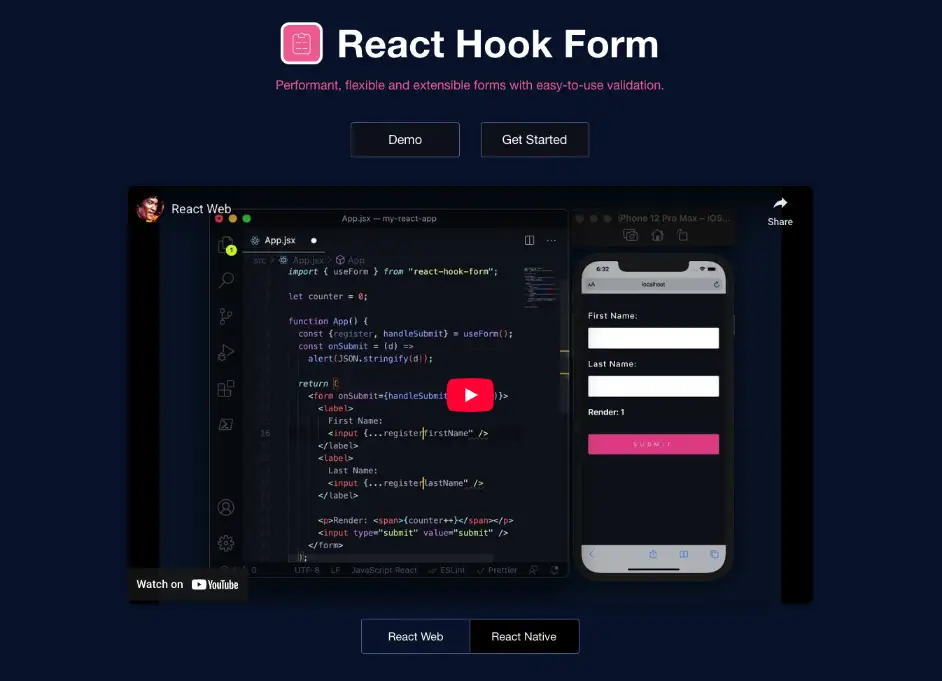
React Hook Form (RHF) is the dominant solution for form state management in React and React Native projects. It focuses on isolating component re-renders and using uncontrolled inputs to achieve peak performance, making it the most efficient way to build simple or complex forms.
Benefits of React Hook Form
- Performance: Achieves zero re-renders on user input by managing state outside of the React render cycle (using native DOM/Ref handling).
- Simple API: Uses a straightforward hook (useForm) API, making forms easier to write, read, and maintain.
- Validation Flexibility: Integrates seamlessly with popular schema validation libraries like Yup or Zod.
- Accessibility: Easily handles error states and messages required for high-quality, accessible form feedback.
RHF Features
RHF provides all the necessary utilities for robust forms:
- register (to track inputs)
- handleSubmit (for submission logic)
- watch (to observe field values)
- control (to integrate with external UI components)
- formState (to track errors, dirty fields, and loading status)
How to Install React Hook Form Library
Installation is minimal, as it is a pure JavaScript library:
1. Install the Package:
2. Simple Usage:
Integrate the useForm hook into any functional component that contains your form inputs.
React Native Design System
The ultimate goal for many companies is to write code once and run it on native mobile (iOS/Android) and the web. This new generation of library is built from the ground up to achieve high performance and full code sharing across all platforms.
Tamagui
Tamagui is innovative, performance-focused universal design system and UI kit. It is designed to maximize code sharing and runtime speed by using a powerful compiler that optimizes styling and generates atomic CSS for the web.
Benefits of Tamagui
- Extreme Performance: The compiler reduces the size of runtime styles and generates optimized atomic CSS for the web, resulting in significantly faster load times and smoother animation.
- Universal Codebase: Allows up to 95% of components to be shared between React Native and Web (using React Native Web).
- Powerful Theming: Features deep, compile-time theming, making it easy to build complex multi-theme applications.
- Type Safety: Built with TypeScript from the ground up, providing excellent auto-completion and compile-time error checking.
Tamagui Components and Features
Tamagui provides a core set of styled components and powerful tooling:
- Core Components: Button, Text, Stack (a customizable View), Input, Form
- Style Props: Uses a concise system for applying responsive and themeable styles.
- Compiler: The cornerstone feature, essential for achieving performance optimizations and universal bundling.
How to Install Tamagui
The recommended method is using their starter template, which handles all complex configurations:
1. Create Project via CLI:
2. Manual Installation (Core Styling):
Note: Tamagui requires a Metro (RN) and Webpack (Web) setup, which is best handled by their starter templates or configuration guides.
React Native Graphics
These libraries go beyond standard UI components to enable advanced visual features, custom drawing, and complex motion graphics.
Lottie for React Native
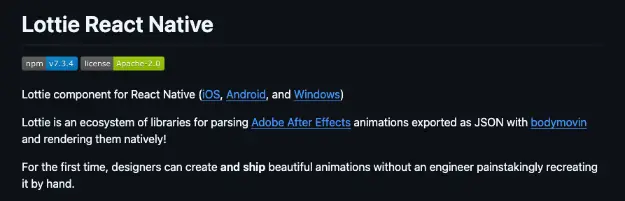
Lottie is an ecosystem of tools created by Airbnb that allows developers to ship complex, vector-based animations to apps easily. Animations are created by designers in Adobe After Effects and exported as a small JSON file using the Bodymovin plugin.
Benefits of Lottie
- High Quality, Low Size: Renders beautiful, complex vector animations natively without relying on heavy video files or a long series of PNGs.
- Control: Allows developers to control the animation's speed, progress, looping, and direction programmatically via JavaScript.
- Designer Workflow: Bridges the gap between designers and developers by eliminating the manual coding of animations.
Lottie Features
- LottieView Component (to display the animation)
- autoPlay and loop props
- Imperative API (to start, pause, and seek the animation programmatically)
How to Install Lottie
1. Install the Package:
2. iOS Setup:
Install native dependencies (required for bare RN projects):
React Native Skia
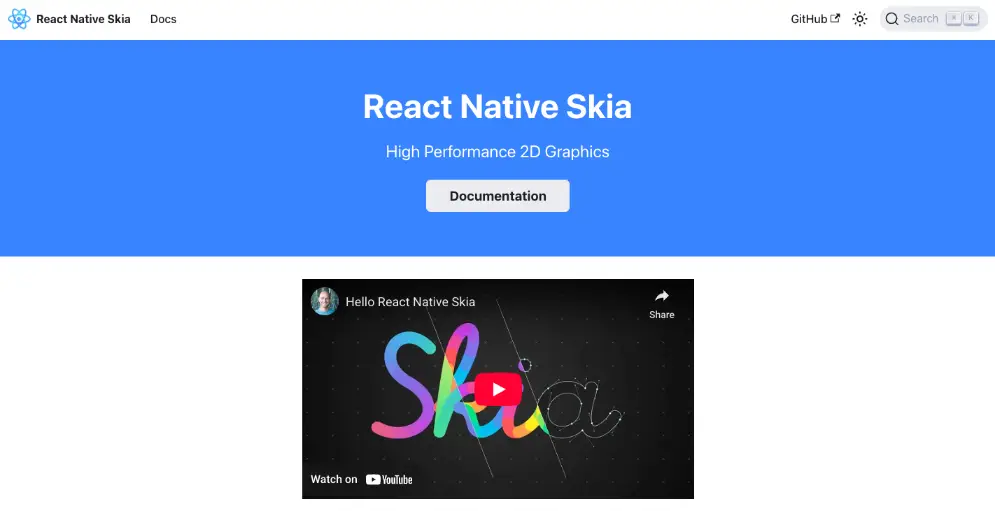
React Native Skia is the high-performance 2D graphics engine that brings the power of Google's Skia Graphics Library (used in Chrome, Android, and Flutter) to your native application. It is the tool of choice for drawing custom shapes, complex data visualizations, and advanced visual effects with GPU acceleration.
Benefits of React Native Skia
- GPU Acceleration: Renders graphics using the device's GPU for blazing-fast performance.
- Advanced Capabilities: Enables complex features like path drawing, image filters, shaders, and text on a path, which are not possible with standard RN components.
- Declarative API: Provides a simple, React-friendly declarative API to define what you want to draw.
React Native Skia Components and Features
- <Canvas> (the drawing surface)
- <Path>, <Rect>, <Circle> (for drawing shapes)
- <Image> and <ImageFilter> (for photo editing effects)
- Support for Shaders (GLSL) for custom visual effects.
How to Install React Native Skia
1. Install the Package:
2. iOS Setup:
Install native dependencies:
React Native Specialized Components
This category includes libraries that provide highly sophisticated, platform-specific functionality that requires deep native integration, typically wrapped in a single, easy-to-use React component. These libraries are usually used alongside a general components library.
React Native Gifted Chat

React Native Gifted Chat is a complete, pre-built UI solution for building elegant and functional chat interfaces in your application. It handles the complex layout and interaction patterns required for messaging apps, allowing you to focus on the backend logic and real-time data flow. It's often the quickest way to implement a polished messaging feature.
Benefits of React Native Gifted Chat
- Time Saver: Provides all the necessary UI components for a modern chat interface, significantly cutting down development time.
- Customization: Highly flexible, allowing you to easily override components for custom message types, avatars, and input areas.
- Built-in Features: Comes with built-in functionalities like infinite scroll (to load previous messages), message timestamps, and support for displaying images and videos.
- Platform Support: Provides great support for keyboard handling and safe area viewing on both iOS and Android.
Gifted Chat Components and Features
The library is centered around the main <GiftedChat /> component and its configuration props, which allow for:
- Text, Image, Video, and System Messages
- Customizable Bubble styles
- Input Toolbar and Composer
- Avatars and User Display
How to Install React Native Gifted Chat
1. Install the Package:
2. Install Dependencies:
Gifted Chat relies on the vector icons library:
React Native Maps
React Native Maps provides a unified component for rendering platform-native maps, notably Apple Maps on iOS and Google Maps on Android. It is the essential library for adding geolocation and mapping features to your application.
Benefits of React Native Maps
- Native Performance: Leverages the native map views and APIs for smooth zooming, panning, and rendering.
- Unified API: Provides a single set of JavaScript components to control map features across both platforms.
- Feature Rich: Supports complex overlays like markers, polygons, polylines, custom tiles, and even heatmaps.
React Native Map Components
- <MapView> (the main map canvas)
- <Marker> (for displaying points of interest)
- <Polygon> and <Polyline> (for drawing shapes and routes)
- <Callout> (for custom marker info windows)
How to Install React Native Maps
1. Install the Package:
2. API Key Configuration:
For Android and (optionally) iOS, you must obtain a Google Maps API key and add it to your native project files (AndroidManifest.xml and AppDelegate.m).
3. Install Pods:
Install native dependencies:
React Native Resources
If you still can't find the React Native librariesyou need or you're just the kind of person who likes to build everything from scratch, there are numerous React Native resources that can help guide you in doing so.
React Native Docs
The React Native documentation is very comprehensive and provides you with all the info you might need from basics to guide as well as detailed info regarding every single component and API available, including code snippets, examples and references.
React Native Community
There are many React Native developers all around the world. The React Native Community page helps connect these developers together by listing the different channels, groups, forums, communities, conferences, and meetups where you can find them.
React Native Blog
The React Native official blog is a great source for news, updates, and guides straight from the source.
Finally, make sure to check out our list of top React Native newsletters, blogs, and online communities to stay up-to-date with all that’s new in the world of React Native.
Elevate Your App Performance with Luciq
You now have a modern toolkit. By choosing contemporary libraries like gluestack UI, React Native Paper, and Tamagui, you are setting your app up for success with high performance, excellent maintainability, and a stellar user experience.
However, the job is not finished when you hit the publish button.
Once your app is in the hands of users, performance degradation, tricky crashes, and unexpected visual bugs from various specialized components can still occur. You need a way to see exactly how these powerful libraries are performing in the wild, across every device and network condition.
This is where we come in.
Luciq is an agentic mobile observability platform that proactively monitors, diagnoses, and resolves issues within your application. Instead of waiting for user reports, Luciq gives you the deep, component-level insights you need to ensure the beautiful UI you just built performs flawlessly for every single user.