













Mobile app distribution platforms deliver beta and pre-release builds to testers without going through the public app stores. The right one depends on your platforms, team size and CI/CD setup. We'll compare the most popular eight options, including TestFlight and Firebase App Distribution, and what to look for when choosing.
What are Mobile App Distribution Platforms?
Mobile app distribution platforms let you send pre-release builds to testers over-the-air (OTA) without going through public app stores. They handle build delivery, tester management, and often include performance tracking.
Core capabilities include:
- OTA distribution: Send APKs and IPAs directly to devices without cables or sideloading hassles.
- Tester management: Organize testers into groups, control access, and track who has which build.
- Feedback collection: Gather issue reports, crash data, and session analytics from test builds.
Top Mobile App Distribution Platforms
Next, we’ll cover the top mobile app distribution platforms and their key features to help you choose the right fit.
TestFlight

Apple acquired TestFlight in 2014, integrating it into iTunes Connect and adopting it as their solution for app distribution. Naturally, TestFlight exclusively supports the iOS, watchOS, and tvOS platforms.
TestFlight's tester limits break down as follows:
- Internal testers: Up to 25 users from iTunes Connect with Admin, App Manager, Developer, Marketer, or Technical roles.
- External testers: Up to 10,000 via email invites or a public opt-in link.
Due to Apple's sideloading restrictions, TestFlight is the only way to test your iOS app on more than 100 devices without an enterprise account.
Testers receive an email prompting them to download the TestFlight app. From there, they install your beta and get in-app notifications when updates are available.
TestFlight also supports open betas via a public opt-in link. You can cap the number of testers to avoid exceeding your team's capacity.
Key limits and capabilities:
- Simultaneous apps: Up to 100.
- Build availability: 90 days after upload.
- Internal tester access: All builds of your apps.
- External tester control: Choose specific apps and builds per group, enabling simultaneous testing of different builds.
The main friction with TestFlight is Apple's approval process for external builds. The first build takes longer and subsequent builds average about one day.
API and Integrations
TestFlight doesn't offer a documented and supported API. Fastlane seems to be the only solution to automate the upload of your app to TestFlight.
Pricing
TestFlight itself is free, but you need an Apple Developer Program membership, which costs $99 USD annually for individuals/organizations or $299/year for the Enterprise program, to access it and distribute apps for beta testing (internal or external testers up to 10,000) through App Store Connect, bundling TestFlight access into that standard fee.
Pros
- Up to 10,000 external testers without an enterprise developer account.
- No need to manage UDIDs and provisioning profiles for external testers.
- Simultaneously test different builds of the same app.
- The TestFlight app notifies testers about beta updates.
- Testers can submit feedback through the TestFlight app.
Cons
- Builds have to go through an approval process before being available to beta testers.
- Only 25 internal testers allowed.
- Basic session and crash reporting.
Bottom Line
TestFlight is a great option for indie developers and small to medium teams developing for the Apple environment. It's also the only option if you want to include more than 100 testers in your beta program without an enterprise developer account. Tester groups and the ability to test builds simultaneously makes it a good choice for beta tests that aren't overly complicated. However, if you require more detailed analytics about your testers or your app performance, you will need to rely on third-party tools.
Google Play
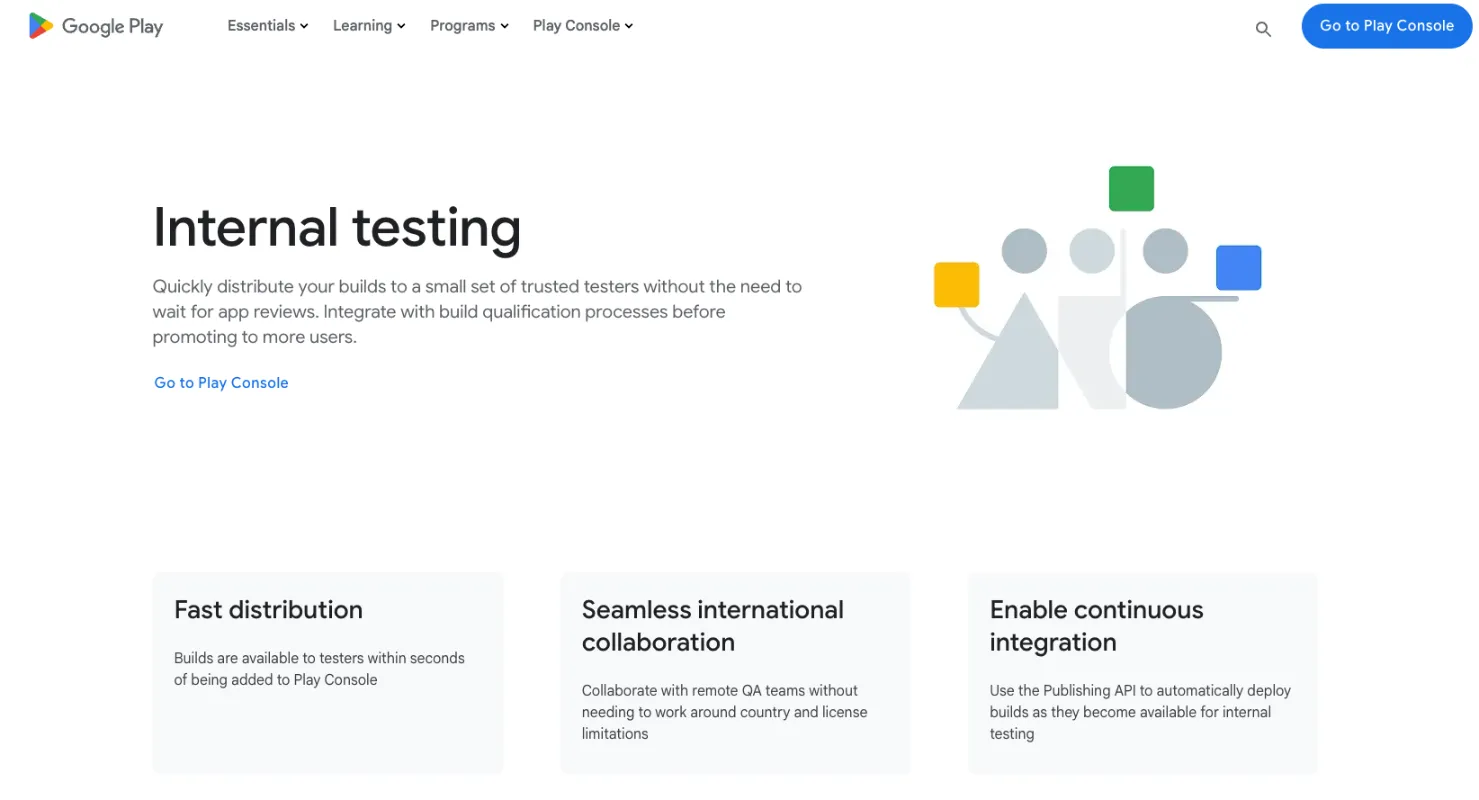
The Google Play Developer Console has abandoned the alpha/beta convention in favor of internal, closed, and open test tracks. Apps that opt for an open test are discoverable on the Google Play store and can be downloaded by anyone.
Google Play's tester limits:
- Internal tests: 100 testers per app.
- Closed/open betas: Unlimited testers via Google Groups.
- Email invites: Gmail or G Suite only; up to 50 lists per test, 200 total lists, 2,000 testers per list.
Once testers receive the invite link, they download directly from the Play Store.
Google does not set a limit on the number of apps you can test at the same time, and you can group your users through Google Groups or email lists. However, Google Play does not allow you to test different builds of the same app at the same time in the open test track.
The main issue with Google Play is its lack of features when it comes to tester management and team management. Builds submitted to Google Play also must undergo a review process, but that is usually done in a couple of hours.
API and Integrations
Google Play Developer API.
Pricing
Free.
Pros
- Testers don't need to download a standalone app.
- Testers don't need to enable download from unknown sources in Android settings.
- Open beta tests are discoverable in the Play Store.
- Can set a maximum number of users for open tests.
Cons
- Can't test more than one build at the same time in open tests.
- For closed and open tests, paid apps have to be purchased to gain access to the test.
- Apps must undergo a beta review process.
Bottom Line
Google Play is a handy tool for indie Android developers and small to medium teams that don't have many requirements for their beta test. The ability to list open betas on the Play Store can also be useful to get a head start on user acquisition. However, its lack of tester management outside of Google Groups and the inability to test several builds simultaneously limit its scope without the use of third-party tools.
Learn More: Google Play Beta Testing: Setting Up Effective Beta Tests
Sauce Mobile App Distribution (TestFairy)
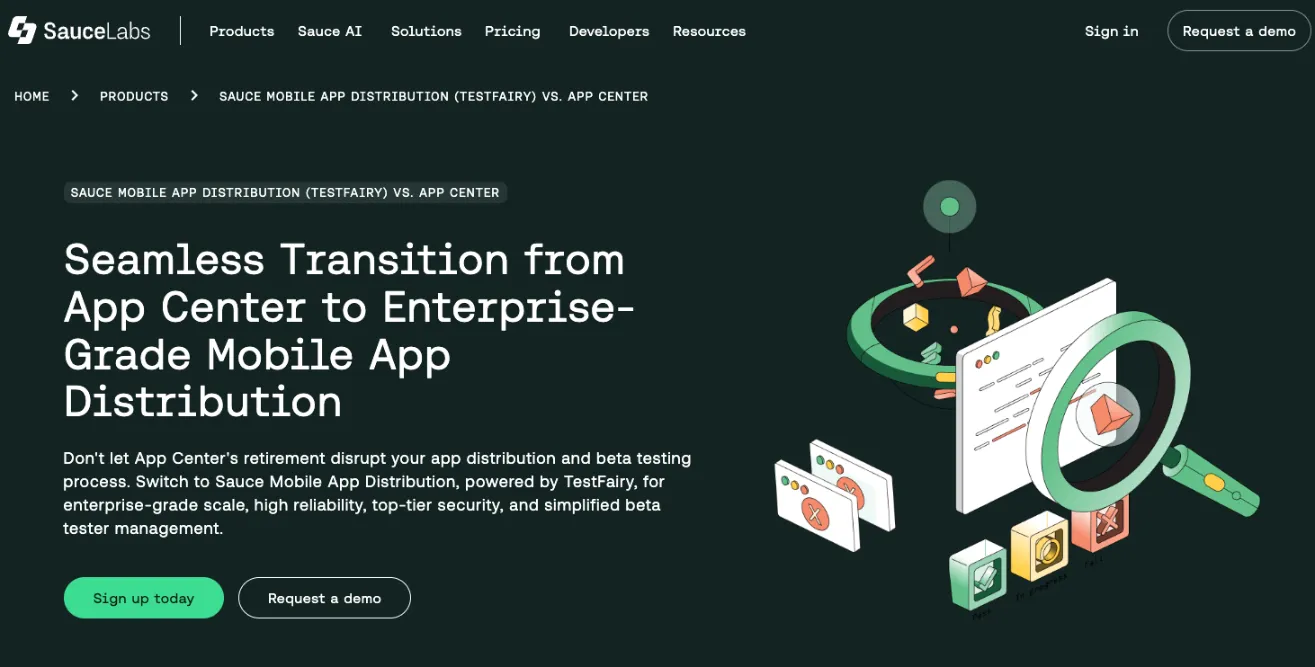
Sauce Mobile App Distribution (TestFairy) is an enterprise-grade mobile app distribution and beta testing platform that was acquired by Sauce Labs. It is available for Android and iOS and supports cross-platform frameworks like Xamarin, Cordova, and React Native.
It provides a secure, highly configurable platform for delivering pre-release builds to internal and external testers. Testers can be invited via email, SMS, or a dedicated landing page. A key feature is video session recording, which shows exactly what happened in the app before an issue occurs. The SDK also includes built-in in-app issue reporting and crash reporting tools.
Standout features include:
- Video session recording: See exactly what happened before an issue occurs.
- Enterprise-Grade Security: Features like Private Cloud, Private Storage, and configurable data retention.
- Simplified Tester Management: Easily sync, create, and update tester groups for controlled distribution.
With its focus on enterprise customers, the platform offers integration with corporate Single Sign-On (SSO) systems and can be hosted in the cloud or on-premise for added security and compliance.
API and Integrations
Sauce Mobile App Distribution integrates with various CI/CD tools (including Fastlane) and offers an API for seamless app uploads and management. For security and corporate compliance, it integrates with a wide range of Single Sign-On (SSO) providers, including Google, Okta, OneLogin, Microsoft, Oracle, and Citrix.
Pricing
Sauce Mobile App Distribution is primarily aimed at enterprise and professional teams.
- Subscription Plan: $249 per month, billed annually, which includes:
- 20 Unique Apps and 100 Beta Testers
- 60 Days Data Retention
- Enterprise/Ad-hoc iOS Certificates
- Fastlane Integration
- Free Option: A limited "Try for Free" option is available.
- Enterprise Plan: For custom requirements, you must contact their sales team for a quote.
Pros
- Video recording of testing sessions.
- Strong enterprise security with options for private cloud or on-premise hosting.
- Comprehensive SSO and corporate compliance features (e.g., SOC 2 Type II, ISO 27001).
- Tester groups and group permissions with simplified management.
Cons
- Limited free tier; the main subscription is a paid, professional plan.
- No access to crowdtesters.
- Cannot distribute beta apps to more than 100 devices without an Apple enterprise developer account (due to Apple restrictions).
Bottom Line
Sauce Mobile App Distribution (TestFairy) is a powerful, secure solution best suited for medium to large enterprises with high compliance and security requirements. Its advanced features, like video session recording and comprehensive SSO integration, make it an ideal choice for organizations prioritizing control and auditability in their beta testing process.
Appaloosa
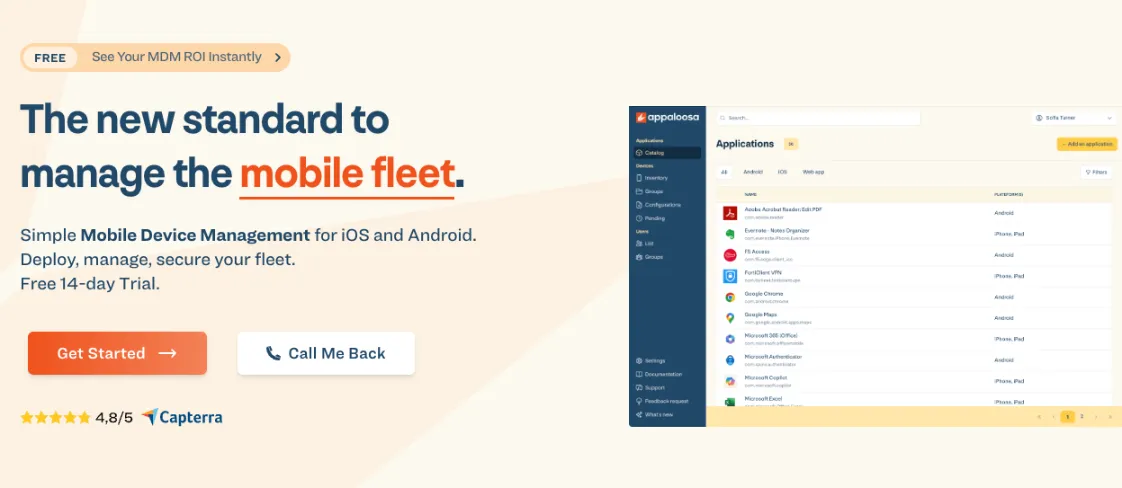
Appaloosa is a mobile device management platform that offers mobile app distribution capabilities for Android and iOS. The platform provides comprehensive device management alongside app deployment features.
Using their service, you can manage and deploy apps to both fully-managed devices and personal devices through their Mobile Application Management features. Apps can be distributed through Apple Business Manager or Google Play Private, with support for silent app installs and updates that don't require user intervention.
API and Integrations
Appaloosa integrates with Google Workspace and Microsoft Office 365 for automated user provisioning and app deployment. The Enterprise plan adds custom authentication solutions like Okta, SAML v2, and OAuth 2.0. Remote support is available through TeamViewer integration, and contacts can be synced between enrolled devices.
Pricing
Appaloosa offers a 14-day free trial with unrestricted access to test the platform.
The Essential plan costs €1.99 per device per month (or €1.69 with annual billing) and is designed for bundles of 50 devices. This plan includes fully-managed device support, zero-touch enrollment, remote device configuration, basic device actions, and chat and email support. App management is not included.
The Business plan costs €3.49 per device per month (or €2.97 with annual billing) with a minimum of 50 devices. This plan adds support for personal devices, multi-device policy management, dynamic security policies, kiosk mode, OS update management, app management for up to 25 apps, user groups management, Google Workspace and Office 365 integrations, and automated user provisioning. An Advanced add-on for remote support and contacts sync is available for an additional €1 per device per month.
The Enterprise plan offers custom pricing and includes everything from Business plus unlimited app management, custom authentication with OAuth 2.0 and SAML 2.0, OEM configuration support, iOS eSIM management, expert onboarding, dedicated account manager, and premium support with SLA.
Annual billing provides a 15% discount across all plans.
Pros
- Zero-touch enrollment and automated device provisioning.
- Silent app installs and updates.
- Google Workspace and Office 365 integrations.
Cons
- No crash or issue reporting capabilities.
- App management limited to 25 apps on Business plan.
- Minimum device requirements may not suit very small teams.
Bottom Line
Appaloosa is a full mobile device management solution with app distribution capabilities. The platform is better suited for organizations managing fleets of devices rather than teams simply looking for beta testing distribution. Companies needing both device management and app deployment will find value here, especially those with 50 or more devices. However, teams only seeking lightweight app distribution for testing purposes may find the MDM focus and per-device pricing model less appealing than dedicated testing distribution platforms.
DeployGate
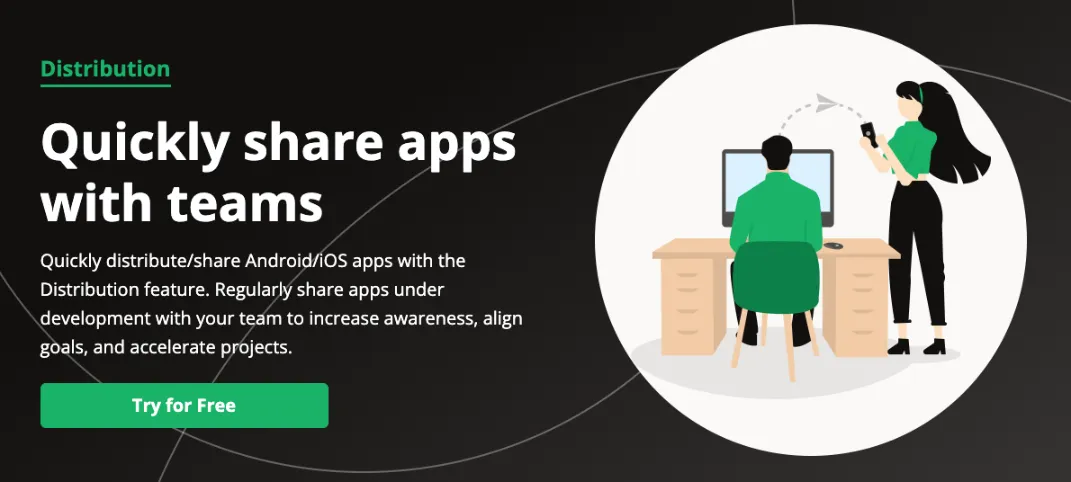
DeployGate is an app distribution tool that was spun off from the Japanese social media platform Mixi. It is an interesting tool that offers pretty extensive features for beta testing, especially for a new arrival.
DeployGate provides customizable landing pages for app downloads, either password-protected or open to anyone. The tool auto-creates tester accounts on first access, assigning each device a unique ID without requiring email registration.
Testers can be organized into groups that can be granted different permissions according to their roles. You can use these groups to selectively push different builds and apps to different groups. DeployGate even supports testing of more than one build at once.
DeployGate takes a different approach to feedback. Their SDK offers crash reporting and basic analytics, but no in-app issue reporting. Instead, each app gets a private forum page for tester communication.
A neat feature that they offer is their command-line interface tool that automates adding UDIDs, updating provisioning profiles, building, and deploying your app.
API and Integrations
DeployGate fully integrates with Slack, HipChat, and ChatWork. They also offer a RESTful API so you can integrate the tools of your choice.
Yes, the DeployGate pricing information needs to be completely updated. Here's the corrected version:
Pricing
DeployGate offers a Free plan that supports up to 3 members, 1 project, 2 apps, and 3 teams. Distribution is limited to 2 pages per app with up to 100 devices per distribution page. Revision history keeps 5 revisions per app, and crash logs are retained for 1 week. The capture feature has a 3-day retention period.
The Flexible plan costs $150/month for 4 members with each additional member costing $20/month (up to 49 members maximum). This plan includes up to 10 projects, unlimited apps and teams, unlimited distribution pages with up to 10,000 devices per page, 500 revisions per app, and unlimited crash log retention. The capture feature retention is 90 days, and audit logs are retained for 1 week. Payment is monthly via credit card, though annual invoiced billing is also available.
The Enterprise plan is designed for large organizations with 20 or more members and requires custom pricing through their sales team. This plan offers unlimited projects, apps, teams, and distribution pages with up to 10,000 devices per page. It includes advanced customized member permissions, unlimited crash and audit log retention, security checklist availability, SSO authentication support, NDA availability, and top priority support. Payment is annual invoiced billing only with a 45-day free trial available.
Pros
- Auto tester account creation.
- Tester groups and group permissions.
- Test more than one build of the same app simultaneously.
- CLI tool for auto UDID acquisition, provisioning profile management, and deployment.
Cons
- No in-app feedback or issue reporting.
- Limited third-party integrations.
- Can't distribute beta apps to more than 100 devices without an Apple enterprise developer account.
Bottom Line
DeployGate is an interesting tool that could be capable to help small to medium teams accelerate their beta test and deployment. DeployGate can handle beta testing on a large scale too, but with the absence of analytics, in-app feedback, issue-reporting, and push notifications, it will need to be assisted by other tools that can handle this.
Appcircle
Appcircle is a mobile DevOps platform that handles app distribution for both Android and iOS apps. You can upload your builds and share them with testers through a testing distribution portal that works directly in the browser without requiring any additional setup.
Testers can be organized into distribution profiles where you can control access levels and manage who receives which builds. The platform also includes authentication options and can integrate with your existing identity providers for added security.
API and Integrations
Appcircle connects with popular development tools including Git providers, Slack, Microsoft Teams, and various testing frameworks. They offer a REST API and webhooks for custom integrations. Most integration features are available across different pricing tiers.
Pricing
Appcircle offers a free Starter plan that includes 1 concurrent build with 20 builds per month, 100 testing distribution downloads per month, 100 Enterprise App Store downloads per month, and 5 publishes to stores per month. You get unlimited apps with 30 minute max build time per build.
The Corporate plan is tailored based on your needs for each module and includes options for public cloud, private cloud, or on-premises deployment. This plan adds enterprise features like SSO and LDAP support, multi-tenancy, role-based access management, and dedicated SLA support. You need to contact their sales team for pricing details.
Pros
- Complete CI/CD platform with distribution included.
- Generous free tier with unlimited apps.
- No additional apps required for testers.
Cons
- Learning curve for teams only needing simple distribution.
- Enterprise features only available in Corporate plan.
- Free tier limited to 20 builds per month.
Bottom Line
Appcircle works well for teams that want an all-in-one mobile DevOps solution rather than just distribution. Smaller to medium teams that value automation and want to consolidate their tooling will find good value here. It's particularly useful if you need both build automation and distribution in one platform rather than piecing together separate services. The free tier is quite generous for small teams just getting started.
Applivery
Applivery is a mobile app distribution platform designed for distributing beta builds and internal apps on iOS and Android. You can upload your apps and share them with testers through a web-based platform that doesn't require testers to install any extra software.
API and Integrations
Applivery integrates with common CI/CD tools like Jenkins, Fastlane, Bitrise, GitHub Actions, CircleCI, and Azure DevOps to automate your upload process. They provide a REST API for custom workflows and integrations. The basic Apps API is available on lower tiers, while the advanced Workspace API with full endpoint access is available on higher plans.
Pricing
Applivery offers four main pricing tiers with annual billing providing a 17% discount.
The Starter plan costs €49/month (€490/year) for 3 apps, 300 downloads per month, and 1 collaborator. Builds are retained for 30 days with 3 builds per publication.
The Essentials plan costs €99/month (€990/year) for 5 apps, 1,000 downloads per month, 50 authenticated users, and 1 collaborator. Builds are retained for 60 days with 5 builds per publication.
The Startup plan costs €299/month (€2,990/year) for 15 apps, 2,000 downloads per month, 150 authenticated users, and 5 collaborators. Builds are retained for 90 days with 10 builds per publication.
The Business plan costs €599/month (€5,990/year) for 30 apps, 3,000 downloads per month, 300 authenticated users, and 15 collaborators. This plan adds Audience Manager and custom domain features. Builds are retained for 180 days with 15 builds per publication.
The Enterprise plan offers custom pricing with unlimited packages and add-ons, SSO integration, and 365+ day retention. Companies with over $10 million in annual revenue require the Enterprise plan with annual commitment.
All plans include a 14-day free trial and unlimited storage and build history.
Pros
- Simple interface focused on distribution essentials.
- No tester-side app installation required.
- In-app automatic and forced updates through SDK.
Cons
- SSO only available on Enterprise plan.
- Download limits may require frequent upgrades for active testing.
- Collaborator limits are restrictive on lower tiers.
Bottom Line
Applivery is a straightforward choice for teams that want simple and reliable app distribution without complex setup. Small to medium teams doing regular beta testing will appreciate the ease of use and transparent pricing structure. The platform works well for European teams given the Euro pricing, and the automatic update features make it particularly useful for maintaining tester engagement. It's best suited for teams that need solid distribution features with good CI/CD integration but don't require extensive enterprise capabilities unless they opt for the higher tier plans.
Firebase
Firebase App Distribution is Google's solution for distributing pre-release versions of your iOS and Android apps to testers. It's part of the larger Firebase platform and integrates closely with other Firebase services like Crashlytics and Analytics. You can upload builds through the Firebase console, command line tools, or directly from your CI/CD pipeline.
The platform integrates tightly with Firebase Crashlytics for crash reporting and Firebase Analytics for usage tracking. This gives you comprehensive insight into how your beta builds perform. Testers can also provide feedback directly through the tester app, though the feedback tools are more basic compared to specialized testing platforms.
API and Integrations
Firebase App Distribution integrates naturally with other Firebase services and works with popular CI/CD platforms including Fastlane, GitHub Actions, Bitrise, and others. Command line tools and Gradle plugins are available for Android, and they provide iOS integration through Fastlane or the Firebase CLI. All integration options are available for free.
Pricing
Firebase App Distribution is completely free to use with no limits on the number of apps, testers, or builds. All features are included at no cost.
Firebase's broader platform operates on a pay-as-you-go model for other services like hosting, database, and cloud functions, but App Distribution itself has no charges.
Pros
- Completely free with no restrictions.
- Excellent integration with other Firebase services.
- Strong CI/CD support and automation tools.
Cons
- Testers must install the Firebase App Tester app.
- Feedback tools are limited compared to dedicated platforms.
- Best value comes from using other Firebase services too.
Bottom Line
Firebase App Distribution is an excellent choice for teams already using Firebase or Google Cloud services. The fact that it's completely free makes it attractive for startups and small teams with limited budgets. It's particularly valuable if you're using Firebase Crashlytics or Analytics since everything connects seamlessly. Teams not invested in the Firebase ecosystem might find standalone distribution tools offer more focused features, but it's hard to argue with free.
Which distribution platform fits your stack?
The right distribution platform depends on three things: the platforms you need to support, how you want it to fit into your CI/CD pipeline, and how you manage your tester community. TestFlight is the default for iOS teams, and it integrates cleanly with Xcode Cloud and fastlane, but it has no Android support. Firebase App Distribution covers both platforms and integrates well with GitHub Actions, Bitrise and CircleCI. Teams distributing across iOS and Android simultaneously often choose a platform that supports both from a single dashboard, rather than managing two separate workflows. If tester management matters, look at whether the platform offers group management, invite links and install tracking, or whether you're expected to manage testers manually.
The Next Step After Mobile App Distribution is Observability
Choosing the right mobile app distribution platform is a critical first step toward a successful beta program. However, distribution only solves the how to deliver problem. The true challenge is knowing what is happening after the build is in your testers hands.
To convert raw crash reports and session data into actionable engineering intelligence you need a complete agentic mobile observability solution. That is where Luciq comes in.
Luciq's Signals captures crashes, performance and tester feedback from every distributed build, with full session context, so issues get fixed before public release.