













Having experienced first-hand the difficulties young Muslims face when looking for their life partner, Hawaya’s founders set out to create an app that empowers Muslims to find their life partners in a culturally accepted and contemporary setting.
We got a chance to chat with Hawaya’s head of operations, Shahinaz Hussein, about how they used Luciq to open a feedback channel with their users and receive feedback and bug reports.
Can you tell us a little about Hawaya?
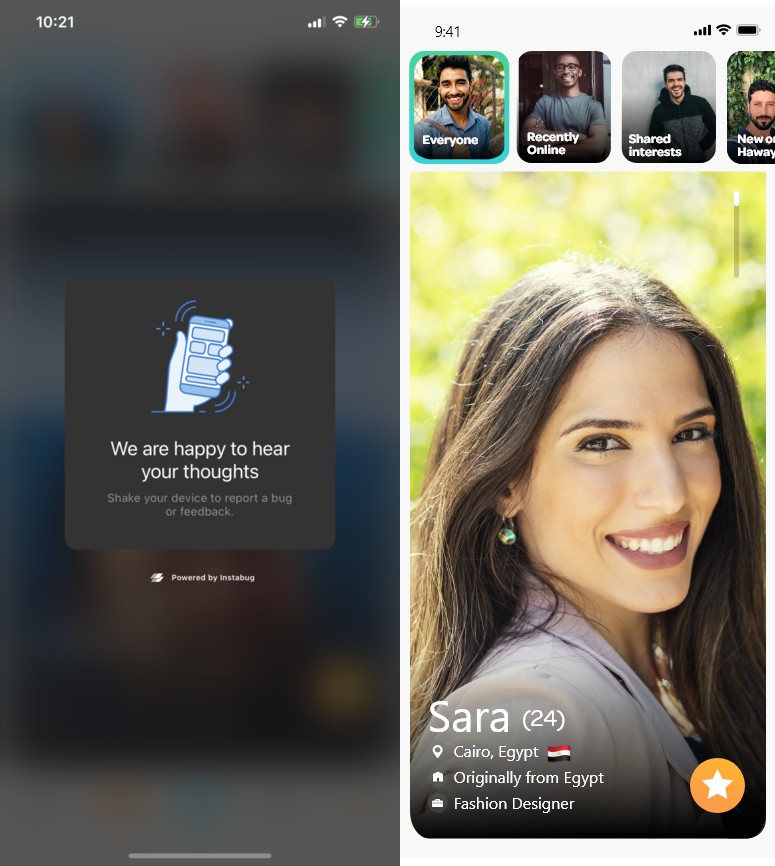
Hawaya is a matchmaking app with the goal of empowering single Muslims who are looking for a serious relationship to connect in a way that respects Muslim culture and traditions. It is based on a smart algorithm that uses user-provided info to match them with people who have similar interests.
Hawaya was founded in Egypt back in 2017 and got acquired by Match.com in 2019 and we now operate in markets across MENA, Southeast Asia, Europe, and North America.

How did you find out about Luciq and what made you decide to use it?
It’s actually quite interesting because ours wasn’t a classic use case for Luciq. As part of 500 startups, we had a one-year deal with Intercom and we were using their product to communicate with our premium users, but at the end of that year, we found the tool to be a bit too expensive for us at that stage.
We started looking for other tools that we can use and considered other tools like Zendesk and Salesforce, but they too were over our budget at that point. Then, our CTO came across Luciq and although Luciq isn’t primarily an in-app chat tool, we found that we could easily customize Luciq to satisfy our needs.
In addition, we found the data that Luciq forwards with reports to be extremely useful when it came to technical issues, which was a huge help for fixing them quickly. Luciq gave us the communication channel that we were looking for and solved other problems we had too, so Luciq was the right choice.
What was your workflow like before using Luciq?
Before Luciq, we had Intercom enabled only for our premium users, and our customer care team would receive their messages and assign them to the right team. Whenever a user reported a technical issue through Intercom, our team would log its details in a shared spreadsheet where we kept track of them.
Most of the time we would need more information about the bug and our team would have to message users back and forth until we got all the details we need.
How did Luciq change your workflow and what are the results?
We have Luciq set up so any user can report a bug, but in-app chat is only enabled for premium users. Our customer care team receives all chats and reports, filters them, and assigns them to the engineering or product team depending on whether it is a bug or a feature request.
We now track bugs, crashes, and feature requests on Luciq instead of a spreadsheet. And since Luciq forwards all the information we need to fix the bug, we’ve eliminated the back and forth messaging with our users, saving us a ton of time.
We plan to continue using Luciq for bug reporting, crash reporting, and feature requests and make use of Luciq’s integration with Zendesk.
We’ve also been planning to start surveying our users to gather feedback and after looking at a few other tools, we’ve decided to use Luciq for that too.