




Luciq vs. Bitdrift
Luciq vs. Bitdrift | Proactive Mobile Monitoring vs. Manual Log Hunting
Ship high-quality apps faster with Luciq. Get mobile-native visibility that Bitdrift misses, including automated session replays and AI-powered issue detection, all while eliminating the "manual tax" on your engineering team.

Trusted by the world's most beloved brands.







Out-of-the-box excellence
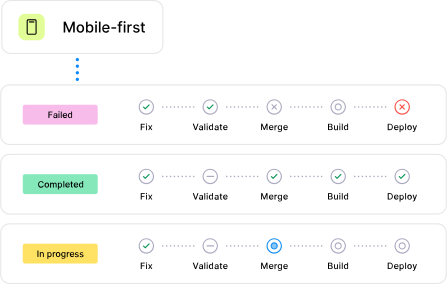
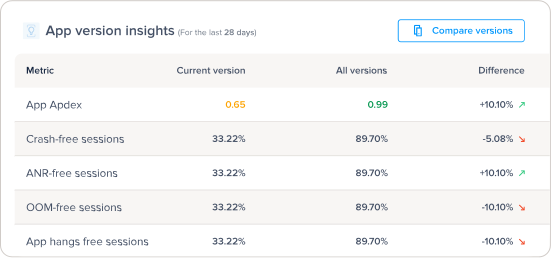


Luciq vs Bitdrift: A deeper dive

Bitdrift
Data Reliability
Capture 100% of user sessions without relying on local device buffers
100% Session Capture

Peak-Event Data Retention
Crash Reporting
Move beyond simple stack traces with deep diagnostics
Automatic Fatal/ANR Detection
OOM & App Hang Detection
Native Flame Graphs
Flutter Support
Mobile Observability
Monitor the pulse of your app with complete visibility
Auto-Captured App Launch Time
Auto-Captured Screen Loading
Network Monitoring
(Manual/No Payload)
Business Impact Correlation
Session Replay & Debugging
See exactly what the user saw with high-fidelity visual replays and AI-powered debugging
AI-Powered Visual Issue Detection
High-Fidelity Repro Steps
Replay tied to Network & Flows
(Crashes only)
User Feedback & AI
Leverage AI agents to triage bugs, suggest code fixes, and monitor release health automatically.
In-App Bug Reporting and User Feedback
AI Root Cause + Fix Suggestions
AI Release Health Monitoring
Why Luciq works best for
mobile first teams
With Luciq, experience the best in breed mobile solution with your preferred observability solution
• Align teams around one quality metric
• Identify crash frequency and severity
• Receive contextual bug reports from users
• See exactly what your users are experiencing
• Debug and monitor app ratings and reviews
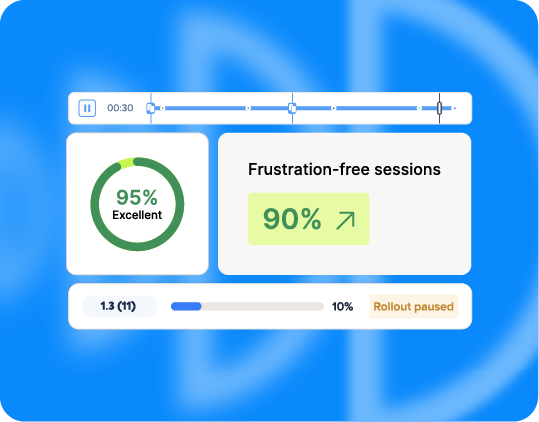
• Take full control of your phased rollouts
• Align teams around one quality metric
• Identify crash frequency and severity
• Receive contextual bug reports from users
• See exactly what your users are experiencing
• Debug and monitor app ratings and reviews
• Take full control of your phased rollouts
Customers
Real teams. Real outcomes.
Happier users.

Luciq gives us a finger on the pulse of our users and their experience, helping us catch and fix major issues in production before their impact grows.


“Luciq gives us a real-time safety net; we’re detecting and patching issues in under 30 minutes, often before our users or even our backend systems realize something is wrong."
Tommy McIntosh
Staff Platform Engineer

Before Luciq, we didn’t have a workflow. With a single centralized location for app data, developers could now quickly assess which situations needed their attention most urgently and strategize best solutions faster.
Maxime Harter
Engineering Manager

We have integrations with Luciq to manage our releases and automatically label them. Then we're able to go in very quickly and look at all the issues that were reported on that release version.
DJ Tarazona
Director of Engineering