










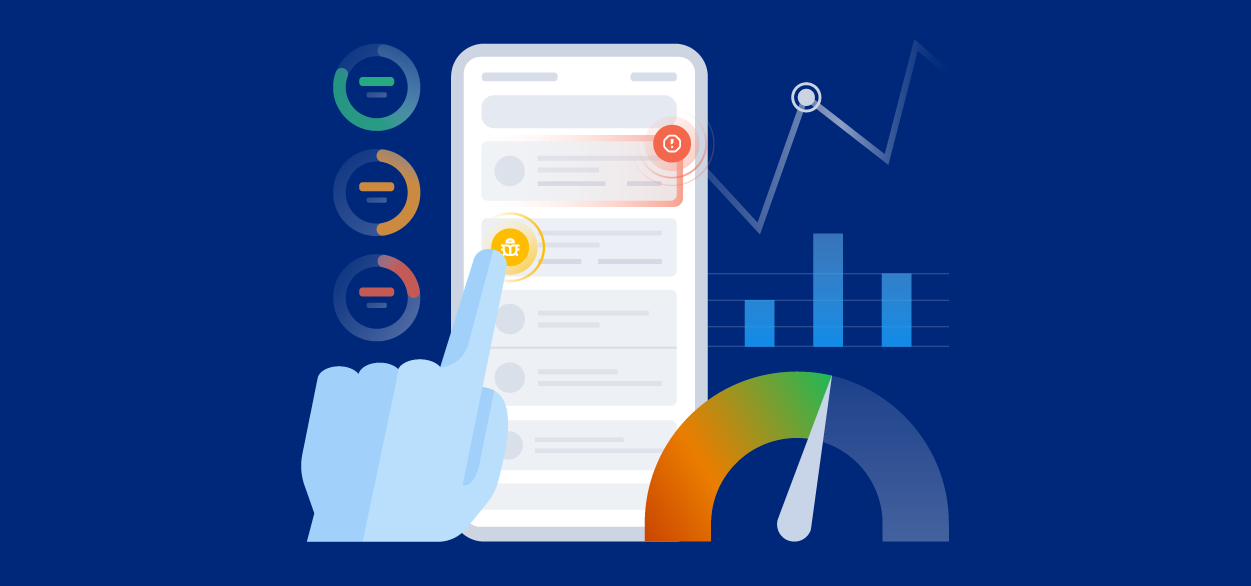
Mobile app quality is how well your app does the job users downloaded it for: fast, stable and easy to use on the devices, OS versions and networks they actually have. Mobile app quality assurance is how you protect it, from testing before release to catching and fixing what slips into production.
The stakes are high. In Luciq's No Margin for Error report, 15.4% of users said they uninstall an app after a single crash, and 30% are very likely to switch to a competitor permanently after failures. This guide covers what drives mobile app quality, the 2026 benchmarks to aim for, where traditional QA breaks down and how modern teams close the gap between an issue report and a fix.
What Drives Mobile App Quality?
App quality comes down to four areas that work together. A weakness in any one of them shows up in your users' experience.
Performance
Performance is how fast and responsive your app feels: launch time, screen transitions, UI responsiveness and network calls. Slow or failing network requests are one of the most common causes, and network performance problems rarely look like crashes. They look like users giving up. Our guide to mobile app performance metrics covers what to track.
Stability
Stability is how reliably your app works without crashing, freezing or being shut down by the operating system. It's measured through crash-free sessions, ANRs on Android, UI hangs and out-of-memory terminations. Here's how to improve your crash-free session rate.
Testing
Testing catches problems before users do: functional testing for core flows, compatibility testing across devices and OS versions, and performance testing for speed, memory and battery use. See our roundups of the best mobile app testing tools for developers and agentic mobile testing tools.
Usability
Usability is how easily users reach their goals, especially on your app's critical path, from onboarding to the core action they came for, like checking out or booking. If that path is slow or confusing, technically stable apps still lose users.
What Low Mobile App Quality Costs You
Quality problems don't stay technical for long. They show up in reviews, retention and revenue:
- Reviews: in Luciq's No Margin for Error report, 50.3% of users said crashes and glitches are the biggest deal-breaker that would make them leave a negative review.
- Revenue: 53.2% of users abandoned purchases during major sales events because of crashes or slowdowns.
- Brand: 77.5% said repeated poor performance damages their perception of the brand.
- Ratings: Luciq's 2026 Mobile App Performance Playbook found that apps rated above 4.5 stars cluster near a 99.95% crash-free session rate, while apps under 3 stars cluster near 99.82%.
Lower ratings mean fewer installs from the app stores and higher acquisition costs, and every frustrated user who leaves raises your churn.
Mobile App Quality Benchmarks for 2026
These benchmarks from Luciq's 2026 Mobile App Performance Playbook give you a baseline to measure against:
- Crash-free sessions: a median of 99.95%, with top performers at 99.99% and lagging apps at 99.77%. Aim for about 99.85% to sustain a rating above 4.5 stars.
- ANRs: a median of 2.62 per 10,000 sessions, with a tolerance of around 10.
- Out-of-memory terminations: a median of 1.12 per 10,000 sessions, with a tolerance of around 10.
- App hangs: a median of 64 to 103 per 10,000 sessions, with a tolerance of around 200.
- Forced restarts: a median of 134 per 10,000 sessions, with a tolerance of around 250.
What Is Mobile App Quality Assurance Today?
Mobile app quality assurance used to mean testing before release and signing off on a build. Today it has to cover what happens after deployment too, when your app meets fragmented devices, unstable networks, OS updates and unpredictable user behavior. That's why leading teams treat QA as a continuous system rather than a phase.
Most teams still follow a familiar structure: manual and automated tests during development, QA sign-off before release, logs and metrics after deployment, and incident response when something breaks. That model assumes most serious issues can be found before users find them. On mobile, that assumption rarely holds.
Where Mobile App Quality Assurance Breaks Down
The Reproduction Loop Is the Real Bottleneck
A user reports that the checkout button doesn't work. The developer can't reproduce it. QA can't either. Three days later, someone discovers it only happens on one Android version on a weak connection with one carrier. The fix takes 20 minutes. The investigation took three days.
That isn't a testing problem. It's a context problem, and it's where most mobile QA workflows quietly lose the majority of their week.
Coverage Is Not the Same as Context
Teams often respond to production issues by adding more tests. Coverage matters, but past a certain point the issues that survive a well-tested release are exactly the ones that depend on conditions your tests can't recreate: a specific device, network state or sequence of user actions. Better testing makes releases cleaner. It doesn't make issue reports easier to resolve. Modern QA has to own both.
Non-Crash Failures Slip Through
Many of the most damaging issues never crash the app: a button that doesn't respond, a form that silently fails, a screen that renders wrong on one device, or a UI that freezes for a few seconds. Crash reporting alone misses them, yet these are the issues users notice and complain about. Luciq can detect visual issues automatically so they don't depend on someone filing a report.
From Issue Report to Resolution in One Step
The fastest way to break the reproduction loop is to make every report arrive with the context needed to fix it. When a user shakes their device to report a problem in a Luciq-integrated app, the report includes the annotated screenshot and description, plus the device, OS and app version, network state, console logs and a full session replay of what led up to the issue. See what each report contains.
Here's what the video shows:
- A user reports an issue (0:00 to 0:38): they shake the device, annotate a screenshot and submit. Behind the scenes, Luciq captures the full technical context.
- The report lands with everything attached (0:39 to 1:01): no follow-up emails asking which phone they use or what steps they took.
- The failure is pinpointed automatically (1:02 to 1:36): in this case, a hostname that couldn't be found on one carrier's network, surfaced in seconds.
- Triage becomes prioritization (1:37 to 2:00): the question shifts from whether the team can reproduce an issue to which one to fix first.
How to Write a Mobile Issue Report That Gets Fixed
A useful mobile issue report has four parts: a clear title naming the screen and the failure, reproduction steps in the user's exact order, the environment (device, OS, network and app version), and a screenshot or session replay. When your QA stack captures these automatically, users no longer need to write a perfect report for your team to act on it.
MTTR Is a Revenue Metric
Mean time to resolution (MTTR) is often treated as an internal engineering number. On mobile, it's better understood as your revenue exposure window: every hour spent investigating instead of fixing is an hour users keep hitting the same problem, often across several sessions. Revenue-critical flows like onboarding, checkout and deposits feel this most.
Dabble, a mobile-first iGaming company, shows what's at stake. During peak events like the Melbourne Cup, a major production issue could put more than $1 million in live bets at risk. Before adopting agentic mobile observability, its engineers spent up to 20 hours a week each on manual triage. Afterward, Dabble cut MTTR by 50 to 60%, often resolving issues in minutes and deploying fixes in as little as 30 minutes. Read more about how agentic mobile observability works in iGaming.
The Mobile App Quality Assurance Checklist
Use this checklist to find the gaps traditional QA misses:
1. Session-Level Visibility Across Devices
Check: can you see complete user sessions across devices, OS versions and network conditions? Without session-level visibility, QA teams work from averages that hide the edge cases where real users struggle.
2. Detection of Non-Crash Failures
Check: does your process catch UI hangs, unresponsive buttons and broken flows that never crash the app? Users disengage over friction, not just failures, so these silent issues need to surface automatically.
3. Quality Signals Tied to Business Flows
Check: are quality signals connected to critical journeys like onboarding, checkout or deposits? Linking issues to business impact lets you see which issues are costing conversions and prioritize accordingly.
4. Continuous Validation After Release
Check: does QA stop at release, or keep validating real behavior as users adopt new builds? Many regressions only appear gradually, which is why guarded rollouts that can halt automatically matter.
5. Fast Time to Understand and Fix
Check: how long does it take an engineer to understand why an issue happened? Investigation time is one of the biggest productivity drains in engineering, as Luciq's Blueprint for Mobile Engineering Leaders explains, and it's where agentic debugging saves the most time.
How Luciq Raises Mobile App Quality
Coding agents have made shipping fast. The hard part now is knowing what each release did to real users and acting on it before they leave. Most tools stop at telling you something went wrong, leaving engineers to rebuild the story from a flat stack trace and scattered logs. That gap between signal and action is where quality is lost.
Luciq, the first Agentic Mobile Observability platform, closes it. Its SDK captures every session on the device, so every issue comes with the stateful context behind it: the gestures, screens, network calls and device state that led up to it. The Companion groups duplicate reports, explains the root cause and ranks issues by their impact on the business, and Autopilot can halt a degrading rollout and prepare the fix with your coding agent or Luciq's own. See how this plays out in What AI Incident Response Actually Looks Like for Mobile Teams.
The same signals also show what users struggle with and what to build next, so quality becomes more than a defense. It becomes how you improve the journeys that drive growth and build something that matters.